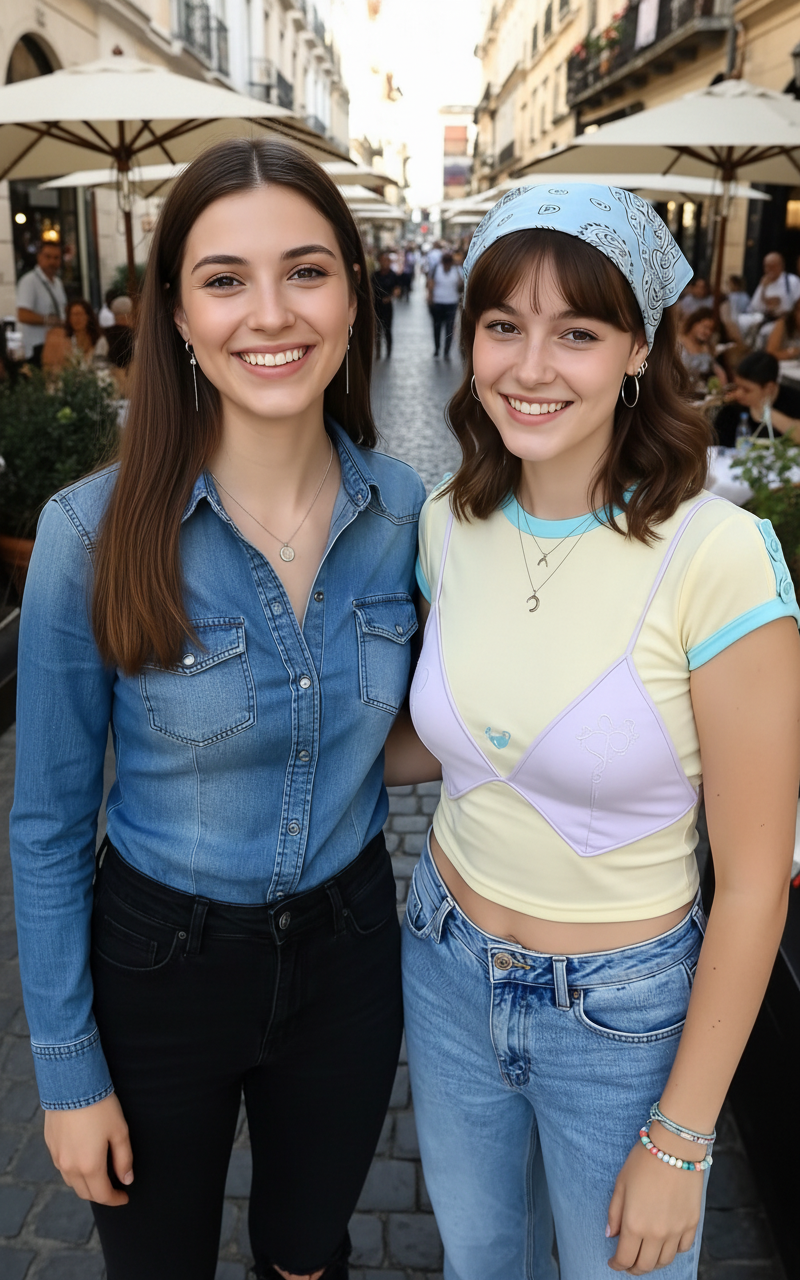
Neon Alley Fight Cinematic Prompt
A multi-shot cinematic prompt for Seedance 2.0 featuring a stylized fight between two characters in a rain-soaked, neon-lit alley.
Sample Prompt
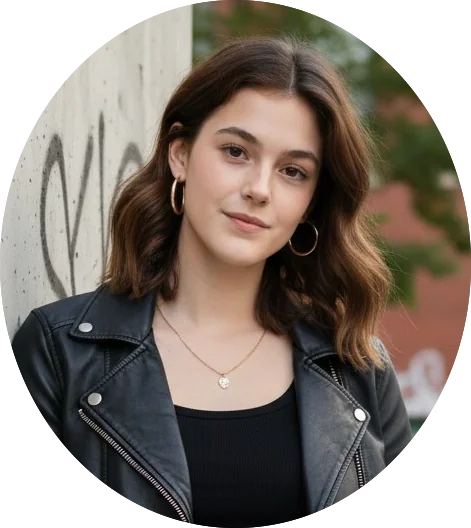
Shot on ALEXA 65mm anamorphic lens. Photorealistic cinematic quality. Aspect ratio 2.39:1 widescreen. Teal shadows, warm amber highlights. Film grain. Rain-soaked neon-lit night. Lens flares, motion blur. Dolby Vision HDR. 0.0s–2.5s: Extreme low-angle tracking shot — two girls face each other in a narrow neon-lit alley, rain pouring hard. One in a soaked leather jacket, the other standing calm, hair dripping, eyes locked. Water ripples across puddles between them. The camera slowly tracks backward as they step closer. Tension builds. One cracks her knuckles, the other tilts her head with a cold smirk. 2.6s–5.0s: Whip-pan — first strike launches. TIME REMAP: slow motion as one swings, the other ducks and counters with a sharp punch. Water sprays through the air. Hair whips across faces. A kick lands, sending one sliding across wet pavement. Neon lights flicker above, sparks falling like rain. 5.1s–7.5s: Drone shot — overhead view as they circle each other, movements precise and fast. SLOW MOTION: rapid exchanges of kicks and blocks. One attempts a spinning strike — caught mid-motion and redirected. Their reflections blur in the rain-soaked ground. 7.6s–10.0s: 360° orbital shot — one leaps forward with a spinning kick, the other blocks and counters instantly. The camera circles as they trade blows in perfect rhythm. Breath visible in the cold air. Their expressions stay focused, intense, unshaken. 10.1s–13.0s: First-person POV — one girl charges for the final exchange. SMASH CUT: fast, heavy hits in slow motion. Final strike connects clean. Silence. Rain continues falling. Slow push-in — one girl stands steady, adjusting her sleeve, breathing controlled. The other remains down, unmoving. Low-angle shot. Eyes sharp, unwavering.
Share
How to use the Neon Alley Fight Cinematic Prompt AI Video Template
Use this template when you want a polished video concept quickly: open it in PicX Studio, review the sample prompt, then replace subject, setting, color, mood, or camera details with your own idea. The prompt is tuned for seedance-2.0, but you can adapt it for other PicX Studio models when you want a different finish.
01
Open the template
Click "Use This Template" below. PicX Studio opens with the Neon Alley Fight Cinematic Prompt prompt and settings pre-loaded.
02
Review the prompt
Read through the sample prompt. You can use it exactly as-is or swap in your own subject, location, or mood.
03
Choose your model
This template is optimised for seedance-2.0. Select it in the model picker or experiment with others.
04
Generate your video
Hit Generate. Review the result, adjust any parameter, and regenerate until it's exactly what you need.
About the Neon Alley Fight Cinematic Prompt AI Video Template
Neon Alley Fight Cinematic Prompt is a ready-to-run AI video prompt for creators who want a clear starting point instead of writing from a blank page..
What the Neon Alley Fight Cinematic Prompt template generates
Neon Alley Fight Cinematic Prompt is a ready-to-run AI video prompt for creators who want a clear starting point instead of writing from a blank page..
Who should use this video template
The sample prompt is included on the page so you can inspect the exact creative direction before using it. The preview media shows the expected visual style before you spend generation credits. Source attribution is kept on the page when the template was adapted from a public reference.
Neon Alley Fight Cinematic Prompt Template — Frequently Asked Questions
Common questions about using the Neon Alley Fight Cinematic Prompt AI video template on PicX Studio.
How do I use the Neon Alley Fight Cinematic Prompt template?
Click "Use This Template" to load the Neon Alley Fight Cinematic Prompt settings directly into PicX Studio. The sample prompt and all parameters are pre-filled. You can tweak any detail before hitting generate.
Can I customize the Neon Alley Fight Cinematic Prompt template?
Yes — templates are fully editable starting points. Change the subject, setting, lighting, mood, color grade, or aspect ratio. You can also switch AI models inside the studio.
Is the Neon Alley Fight Cinematic Prompt template free to use?
This template is completely free. No account or credit card required to use it.
What AI model does this template work with?
Neon Alley Fight Cinematic Prompt is tuned for seedance-2.0 but works with any model available in PicX Studio. Different models produce different aesthetics with the same prompt.
What is the best use case for the Neon Alley Fight Cinematic Prompt template?
Neon Alley Fight Cinematic Prompt is a ready-to-run AI video prompt for creators who want a clear starting point instead of writing from a blank page.. It's ideal for creators who want a head start on a polished video without writing a prompt from scratch.
Explore More AI Tools on PicX Studio
Discover more ways to create with AI — templates, community images, curated moodboards, and the full generator.