Seedance 2.0 Scene Continuation Video Prompt
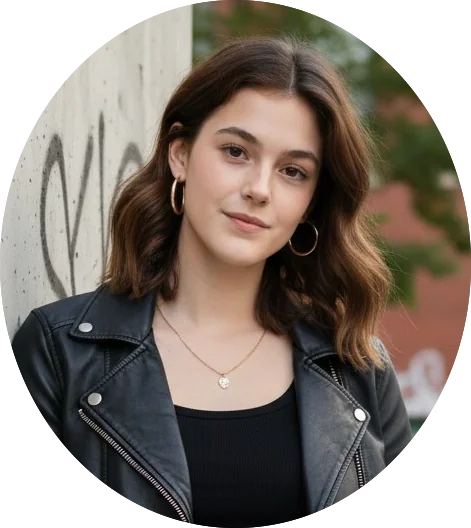
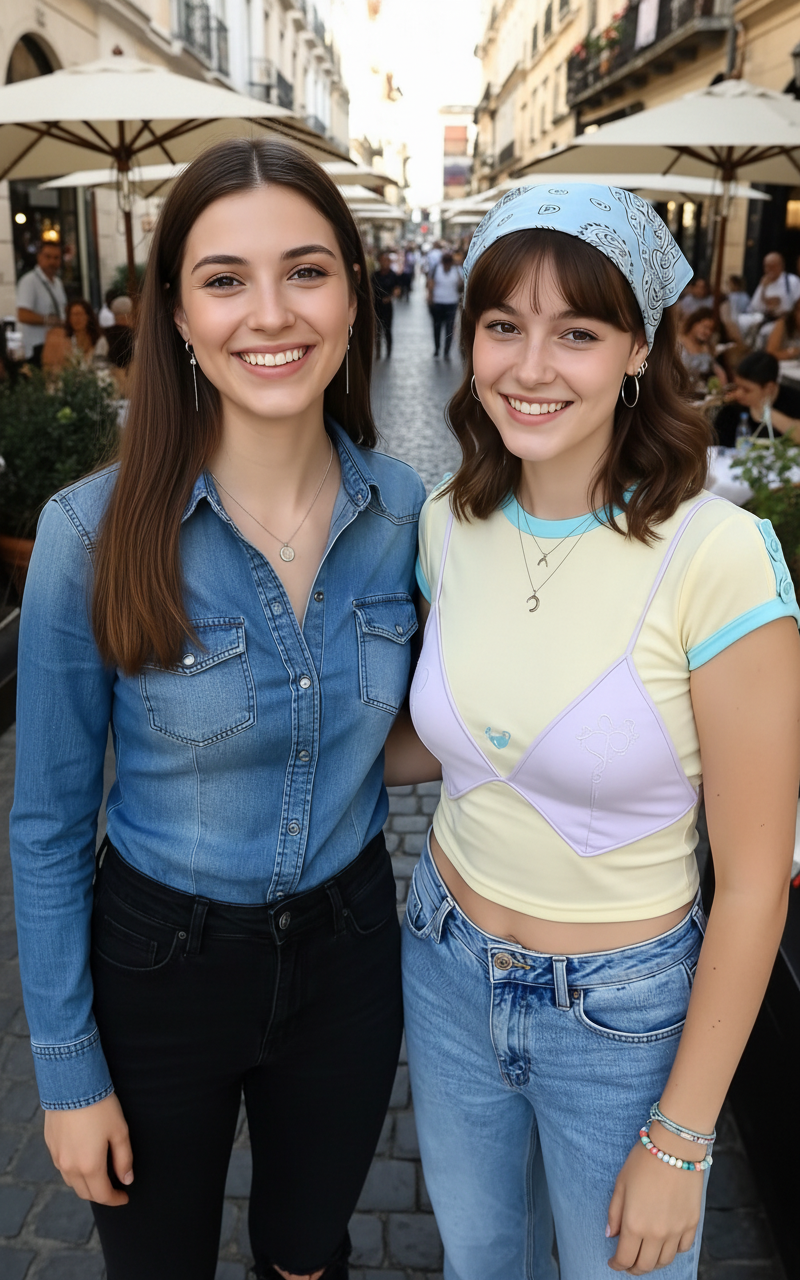
A two-part prompt for Seedance 2.0 to generate a continuous video sequence based on a single reference image (Image 1). The first part generates the 10 seconds of action leading up to Image 1, featuring a female assassin in black, mimicking a famous scene (Arya Stark vs. Night King). The second part generates the 10 seconds following Image 1, showing the assassin defeating the general and striking a pose. Both parts require specific camera work, rhythm, movie-like quality, martial arts choreography, and sound effects, while strictly avoiding blood/gore and dangerous actions. The assassin's face and pose must reference a second image (Image 2).
Sample Prompt
生成@图片1前10秒的剧情,黑衣女刺客面部完全参考@图片2第一个场景:特写跟随镜头,女刺客的黑色布靴,脚尖点地;第二个场景:低角度全景,月光穿透林间薄雾,女刺客如离弦之箭从画面左侧腾空跃起,短刃直指将军咽喉;将军一手扼住她的脖颈;第三个场景:特写镜头,刺客面部特写,眼神凌厉却因窒息而泛红,牙关紧咬。需要运用到分镜和不同视角切换,让整个画面更有节奏感和电影感。 生成@图片1后10秒的剧情,黑衣女刺客掷出飞刀,飞刀划过将军喉咙,将军倒地,女子潇洒落地。随后,飞刀旋转回到黑衣女子手中,黑衣女子手持飞刀做出@图片2相同的姿势。全片需要运用到分镜和不同视角切换,让整个画面更有节奏感和电影感。仅生成打斗音效和环境的音效,不要配背景音乐。动作设计符合武侠片规范,动作干净利落。禁止出现血腥画面,无血腥暴力;不不良引导,无危险动作。(注意短刀的长度与参考图全程保持一致)
Share
How to use the Seedance 2.0 Scene Continuation Video Prompt AI Video Template
Use this template when you want a polished video concept quickly: open it in PicX Studio, review the sample prompt, then replace subject, setting, color, mood, or camera details with your own idea. The prompt is tuned for seedance-2.0, but you can adapt it for other PicX Studio models when you want a different finish.
01
Open the template
Click "Use This Template" below. PicX Studio opens with the Seedance 2.0 Scene Continuation Video Prompt prompt and settings pre-loaded.
02
Review the prompt
Read through the sample prompt. You can use it exactly as-is or swap in your own subject, location, or mood.
03
Choose your model
This template is optimised for seedance-2.0. Select it in the model picker or experiment with others.
04
Generate your video
Hit Generate. Review the result, adjust any parameter, and regenerate until it's exactly what you need.
About the Seedance 2.0 Scene Continuation Video Prompt AI Video Template
Seedance 2.0 Scene Continuation Video Prompt is a ready-to-run AI video prompt for creators who want a clear starting point instead of writing from a blank page..
What the Seedance 2.0 Scene Continuation Video Prompt template generates
Seedance 2.0 Scene Continuation Video Prompt is a ready-to-run AI video prompt for creators who want a clear starting point instead of writing from a blank page..
Who should use this video template
The sample prompt is included on the page so you can inspect the exact creative direction before using it. The preview media shows the expected visual style before you spend generation credits. Source attribution is kept on the page when the template was adapted from a public reference.
Seedance 2.0 Scene Continuation Video Prompt Template — Frequently Asked Questions
Common questions about using the Seedance 2.0 Scene Continuation Video Prompt AI video template on PicX Studio.
How do I use the Seedance 2.0 Scene Continuation Video Prompt template?
Click "Use This Template" to load the Seedance 2.0 Scene Continuation Video Prompt settings directly into PicX Studio. The sample prompt and all parameters are pre-filled. You can tweak any detail before hitting generate.
Can I customize the Seedance 2.0 Scene Continuation Video Prompt template?
Yes — templates are fully editable starting points. Change the subject, setting, lighting, mood, color grade, or aspect ratio. You can also switch AI models inside the studio.
Is the Seedance 2.0 Scene Continuation Video Prompt template free to use?
This template is completely free. No account or credit card required to use it.
What AI model does this template work with?
Seedance 2.0 Scene Continuation Video Prompt is tuned for seedance-2.0 but works with any model available in PicX Studio. Different models produce different aesthetics with the same prompt.
What is the best use case for the Seedance 2.0 Scene Continuation Video Prompt template?
Seedance 2.0 Scene Continuation Video Prompt is a ready-to-run AI video prompt for creators who want a clear starting point instead of writing from a blank page.. It's ideal for creators who want a head start on a polished video without writing a prompt from scratch.
Explore More AI Tools on PicX Studio
Discover more ways to create with AI — templates, community images, curated moodboards, and the full generator.