Multi-Character Cabin Seating Prompt
A complex prompt for Seedance 2.0 that uses multiple reference images and specific instructions for character placement, dialogue, language, and camera work in a continuous shot of a cabin interior.
Sample Prompt
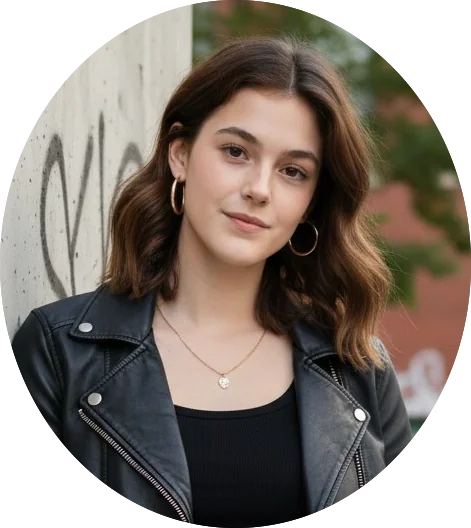
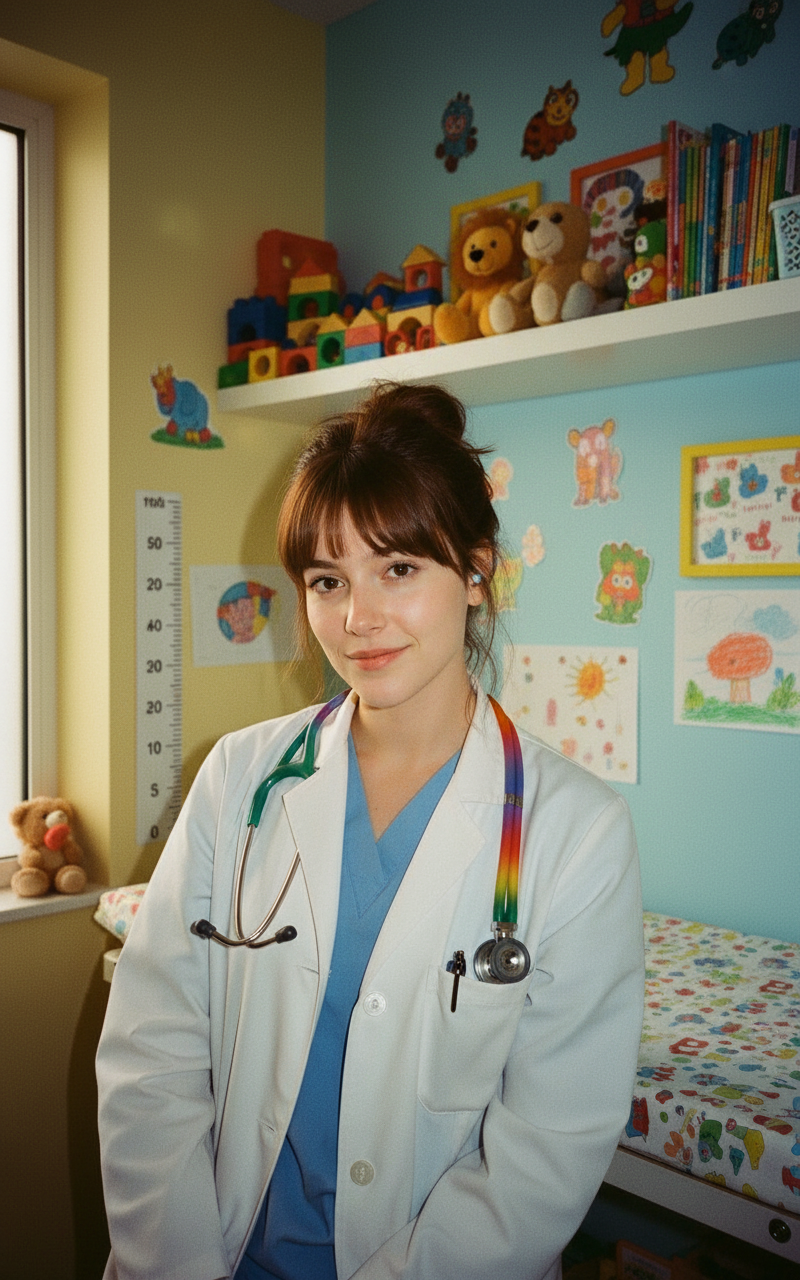
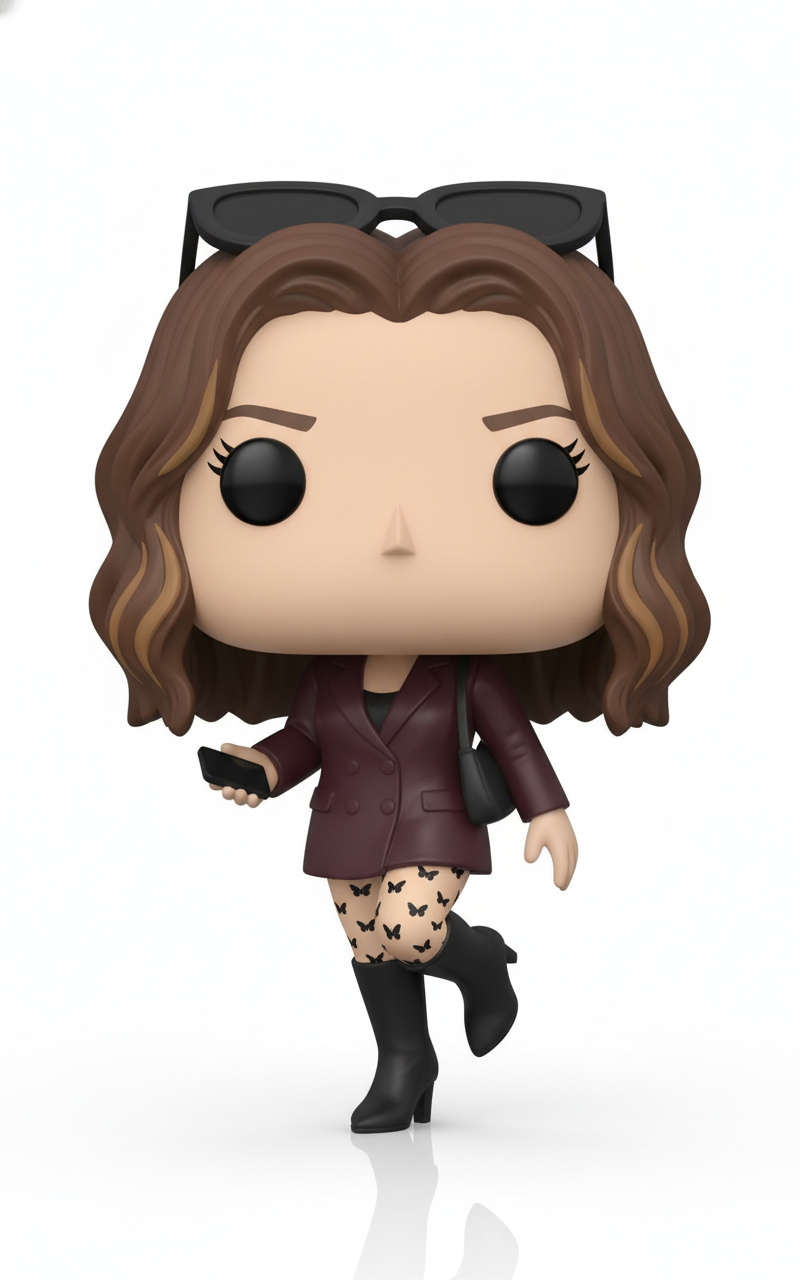
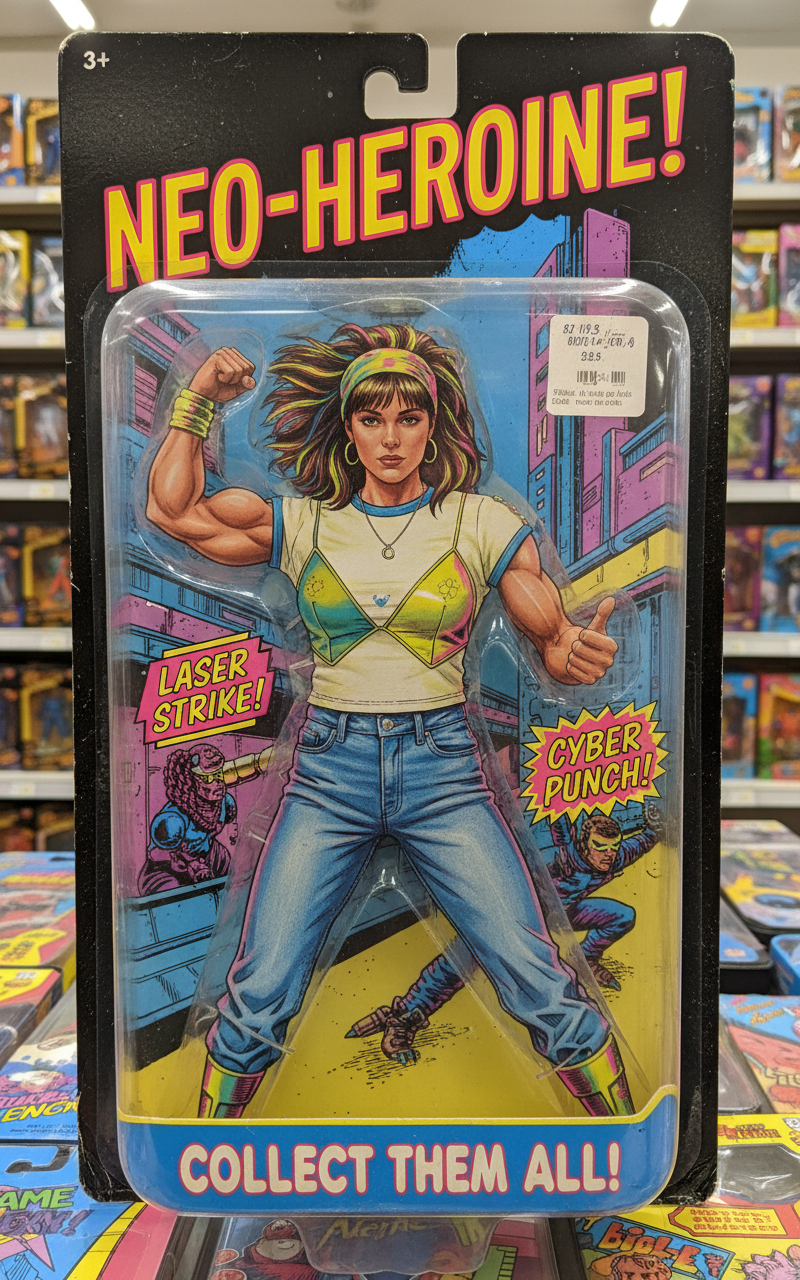
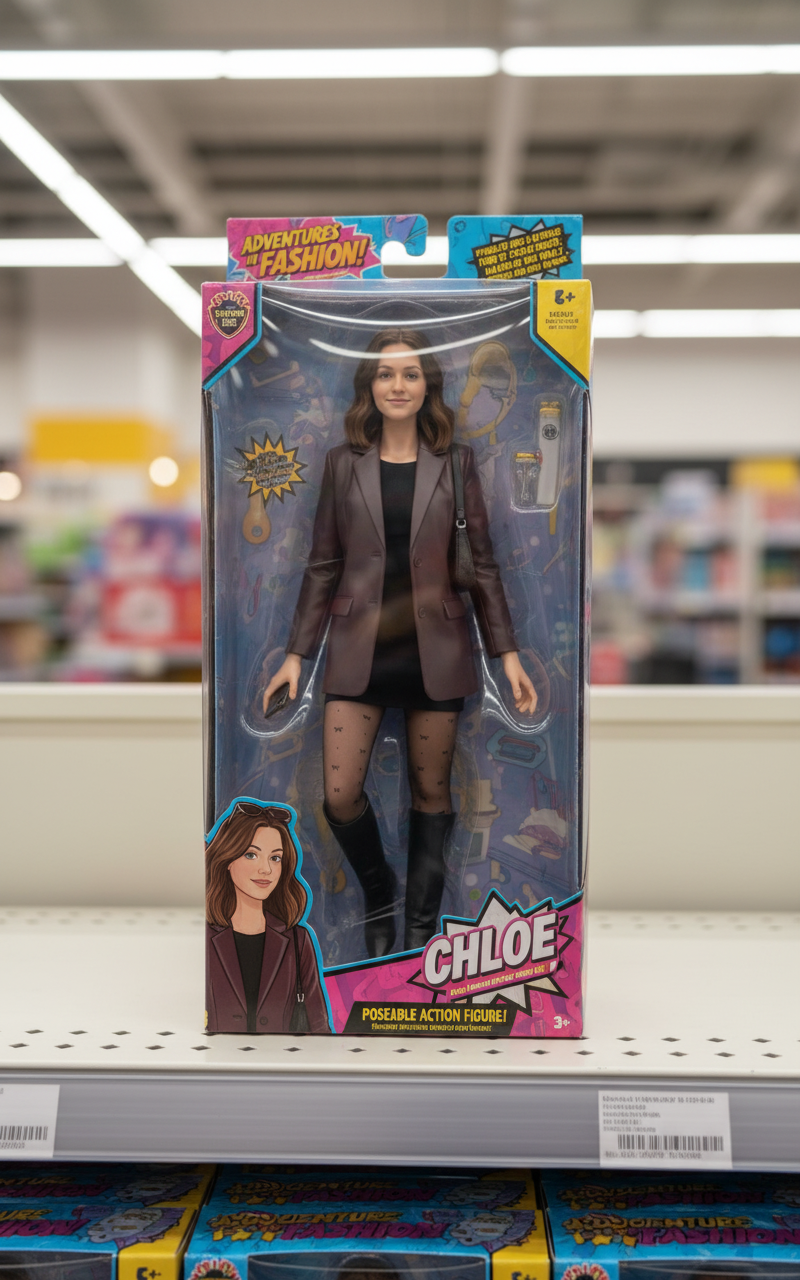
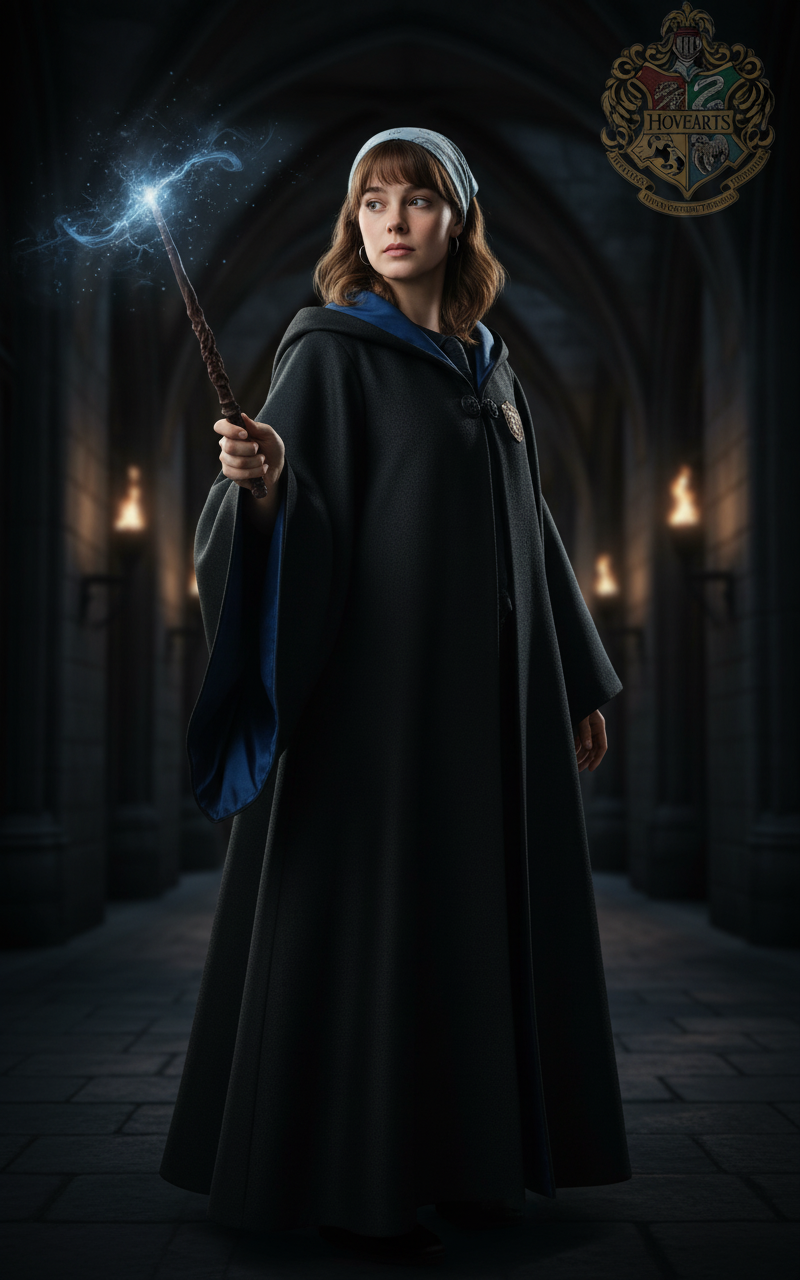
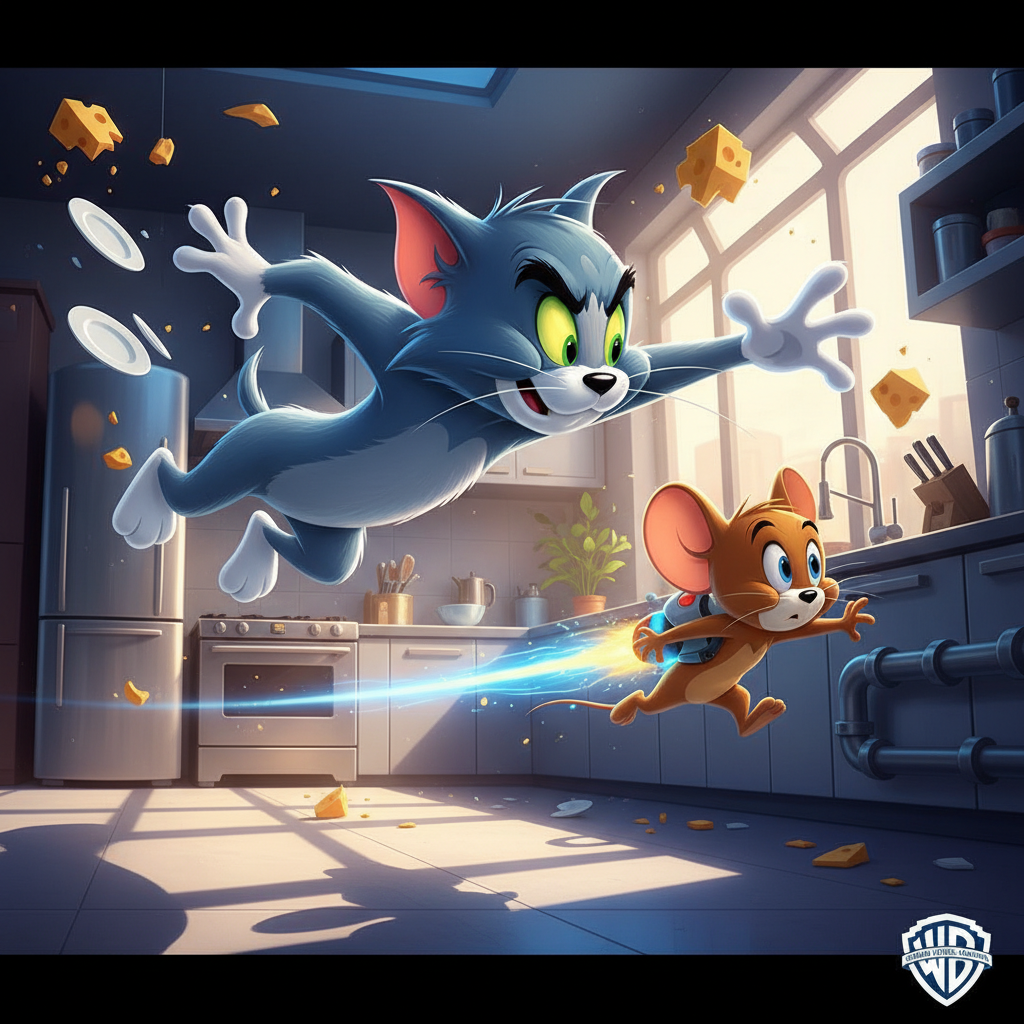
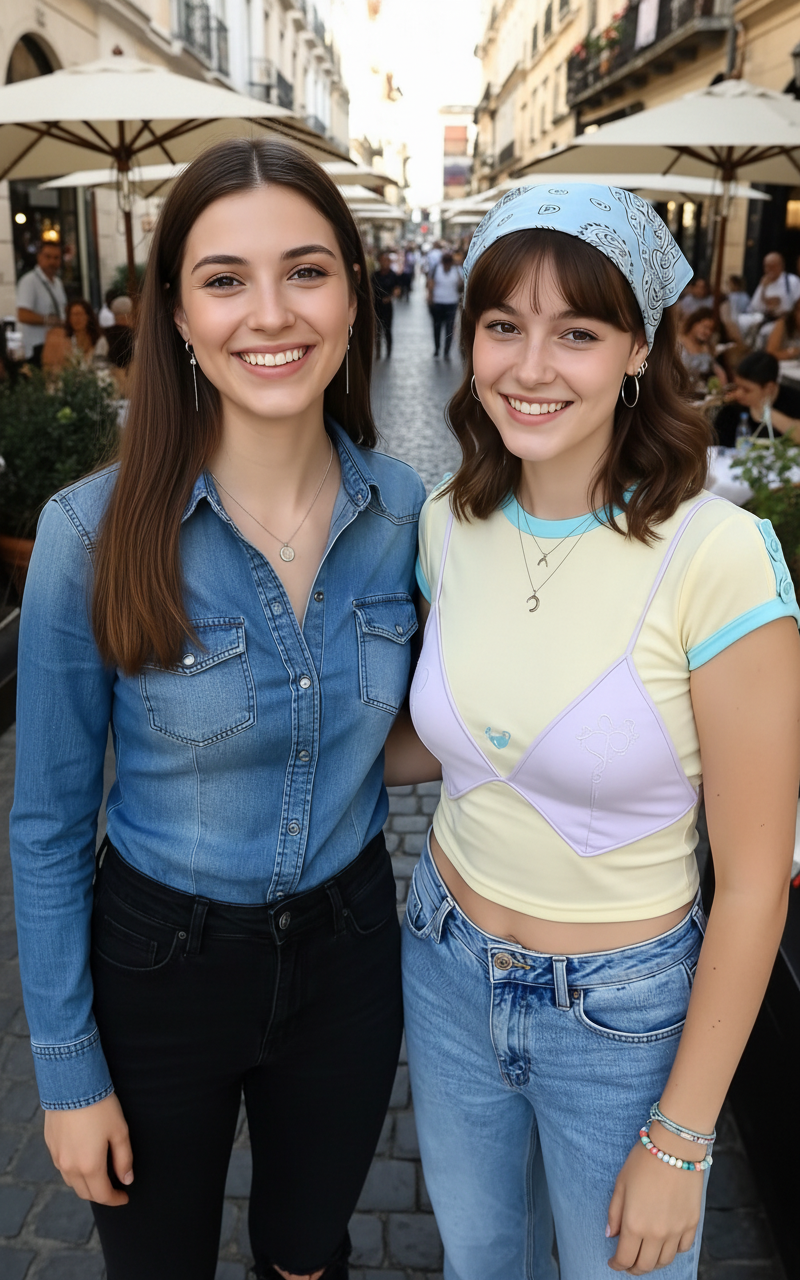
The numbers in【@图片1】represents row numbers. The numbers are for references only and should be removed in the video. All references must maintain 100% of its art style and character traits. Characters of differing art styles walk takes their seats in their respective seats in the cabin. 【@图片2】sits on the left seat in row 1 as she says happily, "My seat is 1A." 【@图片3】sits on the right seat in row 2 as she says sadly in Japanese, "My seat is 2C." 【 @图片4】sits on the right seat in row 3 as she says fearfully in mandarin, "My seat is 3B." 【@图片5】sits on the left seat in row 4 as she says angerly in Spanish, "My seat is 4D." 【@图片6】sits on the left seat in row 5 as she says digusted in cantonese, "My seat is 5A." 【@图片7】sits on the right seat in row 6 as she franticly yells in korean, "My seat is 6D." Stationary camera. One continuous shot as characters walk in and takes their seats one after another.
Share
How to use the Multi-Character Cabin Seating Prompt AI Video Template
Use this template when you want a polished video concept quickly: open it in PicX Studio, review the sample prompt, then replace subject, setting, color, mood, or camera details with your own idea. The prompt is tuned for seedance-2.0, but you can adapt it for other PicX Studio models when you want a different finish.
01
Open the template
Click "Use This Template" below. PicX Studio opens with the Multi-Character Cabin Seating Prompt prompt and settings pre-loaded.
02
Review the prompt
Read through the sample prompt. You can use it exactly as-is or swap in your own subject, location, or mood.
03
Choose your model
This template is optimised for seedance-2.0. Select it in the model picker or experiment with others.
04
Generate your video
Hit Generate. Review the result, adjust any parameter, and regenerate until it's exactly what you need.
About the Multi-Character Cabin Seating Prompt AI Video Template
Multi-Character Cabin Seating Prompt is a ready-to-run AI video prompt for creators who want a clear starting point instead of writing from a blank page..
What the Multi-Character Cabin Seating Prompt template generates
Multi-Character Cabin Seating Prompt is a ready-to-run AI video prompt for creators who want a clear starting point instead of writing from a blank page..
Who should use this video template
The sample prompt is included on the page so you can inspect the exact creative direction before using it. The preview media shows the expected visual style before you spend generation credits. Source attribution is kept on the page when the template was adapted from a public reference.
Multi-Character Cabin Seating Prompt Template — Frequently Asked Questions
Common questions about using the Multi-Character Cabin Seating Prompt AI video template on PicX Studio.
How do I use the Multi-Character Cabin Seating Prompt template?
Click "Use This Template" to load the Multi-Character Cabin Seating Prompt settings directly into PicX Studio. The sample prompt and all parameters are pre-filled. You can tweak any detail before hitting generate.
Can I customize the Multi-Character Cabin Seating Prompt template?
Yes — templates are fully editable starting points. Change the subject, setting, lighting, mood, color grade, or aspect ratio. You can also switch AI models inside the studio.
Is the Multi-Character Cabin Seating Prompt template free to use?
This template is completely free. No account or credit card required to use it.
What AI model does this template work with?
Multi-Character Cabin Seating Prompt is tuned for seedance-2.0 but works with any model available in PicX Studio. Different models produce different aesthetics with the same prompt.
What is the best use case for the Multi-Character Cabin Seating Prompt template?
Multi-Character Cabin Seating Prompt is a ready-to-run AI video prompt for creators who want a clear starting point instead of writing from a blank page.. It's ideal for creators who want a head start on a polished video without writing a prompt from scratch.
Explore More AI Tools on PicX Studio
Discover more ways to create with AI — templates, community images, curated moodboards, and the full generator.